Dobra.Dolja
Menu

A good deed by Dobra.Dolja

Digital security for civil society organisations: check yourself before cybercriminals do

Three online evenings on how to protect your accounts, your organisation’s data and the people it helps. Free of charge, funded by the association.

When
4–6 November 2026
Time
16:00–20:00 Kyiv time
Format
online, Zoom
Group
up to 25 people
Participation
free
Certificate
for all three evenings

Civil society organisations in the crosshairs

  • No. 1

    among the most attacked sectors worldwide in 2025

    Civil society and non-profit organisations overtook every other sector for the first time.

    Cloudflare, 2025 (opens in a new tab)

  • 25%

    of Russian state-backed hackers’ targets are think tanks and civil society organisations

    Government accounts for 14%. Ukraine is the second most targeted country.

    Microsoft, 2026 (opens in a new tab)

  • 515,000+

    people whose data was breached on Red Cross servers

    Missing persons, separated families, detainees. The breach went unnoticed for 70 days.

    ICRC, 2022 (opens in a new tab)

Check yourself in a minute

Tick what already works in your organisation. Your answers are not sent anywhere; only you see the score.

of 8 ticked

An easy target for now

Most of the protection is still ahead. The good news is that all of it can be set up in three evenings.

Apply for the training

How an organisation gets hacked without a single password

No cracked password, not a single typo in the email. Five steps, and your people are in danger.

  1. Monday, 9:12

    An email you’ll believe

    A media outlet’s legal department or a donor appears to demand an urgent reply. The email has no mistakes.

    You open the first door yourself

    Stopped by · evening 1 checking the request through another channel

  2. The same minute

    One “Allow”

    The sign-in page is genuine, but the “Allow” button hands an unknown app the key to your mailbox.

    Changing the password won’t revoke this key

    Stopped by · evening 2 reviewing app permissions

  3. Three weeks later

    They’re already inside

    For weeks they read your email and wait for an invoice to show up.

    Weeks without a single warning sign

    Stopped by · evening 2 a monthly check of sessions and devices

  4. Friday, 16:40

    An email in your name

    Partner organisations and donors receive new bank details from your real address, and they pay.

    The money disappears, and trust goes with it

    Stopped by · evening 3 a second signature on payments and bank details

  5. A month later

    A blow to people

    Lists of the people you help, their contacts and their stories end up in the wrong hands.

    Danger to people, not just to the organisation

    Stopped by · evening 3 a response plan with roles assigned

Every step can be stopped if the team agreed on it before the attack. That is exactly what we will teach in three evenings.

Where a civil society organisation’s data lives

A small civil society organisation: a few people on the team, help from volunteers, a shared cloud and personal laptops. Choose a step in its work to see what data appears there and what can happen to it.

Step in the organisation’s work

Requests

A message arrives in the shared mailbox or the page’s inbox, and from there it goes into a spreadsheet.

What data appears

  • Request spreadsheet — shared cloud
  • Shared mailbox — one password for several people
  • Facebook page messages — shared account

What can happen

  • Account hacked
  • The wrong people got access
  • Sensitive data leaked

Specialist support

If legal or psychological help is needed, the details of the request are forwarded to a work chat.

What data appears

  • Documents in the work chat — messenger on personal phones
  • Correspondence about the case — personal mailboxes

What can happen

  • Sensitive data leaked
  • Data used against the people you help
  • Files lost

Targeted aid

Twice a year the organisation draws up a list of recipients and hands out aid against a signature.

What data appears

  • List of aid recipients — cloud, personal laptops and paper
  • Signed distribution sheet — folder in the office

What can happen

  • Data tampered with
  • Files lost
  • Data used against the people you help

Meetings and trainings

Meetings and trainings leave behind attendance lists and photos.

What data appears

  • Attendance lists — shared cloud
  • Event photos — phones and the cloud

What can happen

  • The wrong people got access
  • Sensitive data leaked
  • Data used against the people you help

Donor report

Every quarter, expenses are compiled into a report for the donor.

What data appears

  • Financial report — the accountant’s laptop
  • Bank details and invoices — email and spreadsheets

What can happen

  • Ransomware locked the files
  • Payment fraud
  • Malicious file posing as a document

Some documents sit in the cloud, some on personal laptops, and every step has its own risks. On the first evening you will draw this map for your own organisation and see what to protect first.

Three evenings

  1. Evening 1

    4 November

    Threats and assets

    • Who attacks civil society organisations, and why
    • How to spot a forged email “from a donor”
    • What data you have and what can happen to it
  2. Evening 2

    5 November

    A secure workspace

    • How to choose a digital tool that fits your work
    • How to protect your team’s accounts and devices
    • How to communicate safely by email and messenger
  3. Evening 3

    6 November

    Rules for the whole team

    • How to assess risks and where you in particular should start
    • What to do in the first 30 minutes of an attack
    • A security policy the team actually follows

What changes after three evenings

Not a set of tips but a complete picture of your organisation. Data, risks, decisions, people and what to do in an incident.

  • Now: Data is scattered across the cloud, phones and folders

    After the training: You know exactly what to protect and where it is

  • Now: It feels like “nobody would bother hacking us”

    After the training: You see the organisation through the eyes of someone preparing an attack

  • Now: Spotting a forged email is up to one vigilant person

    After the training: The team recognises forgeries and checks requests by an agreed rule

  • Now: New online services come into use because they are convenient

    After the training: A new service enters your work only after a six-question check

  • Now: Protection rests on one person and one phone

    After the training: Protection doesn’t depend on a holiday, a resignation or a lost phone

  • Now: Sensitive correspondence goes through ordinary email and open chats

    After the training: Email and messengers are set up for confidentiality

  • Now: Everything seems equally important, and it’s unclear where to start

    After the training: Risks are assessed, and there is a list of first steps

  • Now: Security rules exist only in management’s heads

    After the training: A new team member follows the rules without being told

  • Now: An incident means panic and messages in the general chat

    After the training: There is a plan for the first 30 minutes, with roles assigned

Who it’s for

  • Leaders of civil society and charitable organisations
  • People who run the organisation’s email, documents, website and social media
  • People responsible for fundraising, finances and correspondence with donors
  • People who coordinate projects and work with people’s data

No technical knowledge needed. The training is held in Ukrainian. We select one person per organisation.

How it works

  1. Application

    by 30 October, a short form that takes a few minutes

  2. Selection

    by 2 November, everyone who applied gets a reply

  3. Three evenings

    4–6 November, 16:00–20:00 Kyiv time, Zoom, work in small groups

  4. Certificate

    for taking part in all three evenings; you keep the draft rules and checklists

Who leads the training

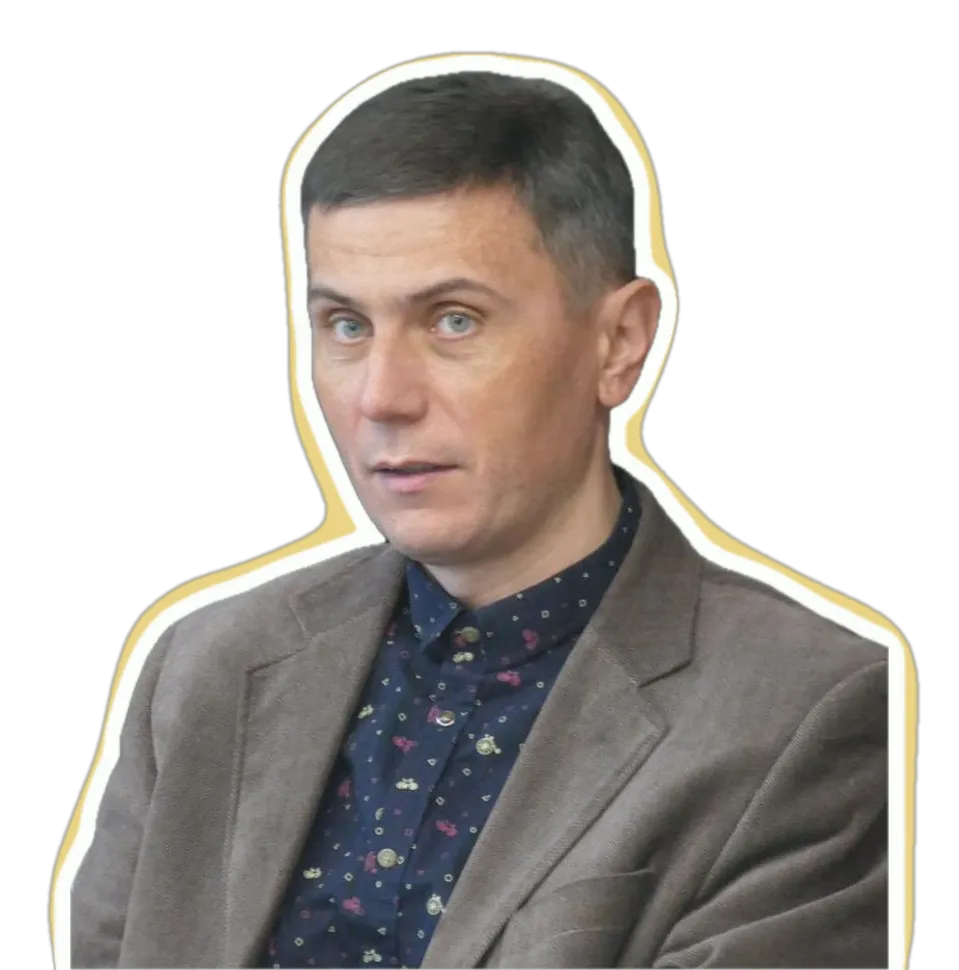
The programme was developed by Mykhailo Gorkusha. The training is led by two trainer-facilitators with many years of experience working with civil society organisations.

  • Trainer-facilitator

    Mykhailo Gorkusha

    • Author and developer of the programme
    7+
    years in cybersecurity for state institutions
    2,000+
    people trained
    • Cyber hygiene
    • AI for civil society organisations
    • Accredited BRIDGE facilitator

    Specialist in cyber hygiene and the effective use of artificial intelligence in civil society organisations. Co-author of the Cyber Hygiene Concept of the State Service of Special Communications and Information Protection of Ukraine. Contributed to the digital transformation of the Verkhovna Rada and the Central Election Commission. Has delivered more than 20 cybersecurity workshops for CRDF Global.

  • Trainer-facilitator

    Oleh Hryshyn

    20+
    years with civil society organisations
    500+
    trainings
    • Organisational development
    • Trainer for the RADA programme
    • Accredited BRIDGE facilitator

    Has run trainings on organisational development and resource mobilisation for civil society organisations and charitable foundations since 2003. Has a background in IT. Ran cybersecurity workshops for CRDF Global together with Mykhailo Gorkusha.

A good deed by Dobra.Dolja

Digital security for civil society organisations: check yourself before cybercriminals do

Registration is closed. Applications were accepted until 30 October 2026 (inclusive).

Three online evenings, Zoom
4–6 November 2026, 16:00–20:00 Kyiv time

Participation is free. The training is held in Ukrainian. Certificate for attending all three evenings.

Questions and answers

How much does it cost?

Nothing. It’s a good deed by Dobra.Dolja. We run the training at our own expense, without a grant.

Do I need technical knowledge?

No. We explain things in plain language and set everything up together, step by step.

What will I need to take part?

A computer or laptop with a camera and microphone, a stable internet connection and Zoom. We will work in small groups, so please keep your camera on.

Can one organisation submit several applications?

Yes, but we will select one person per organisation so that the training reaches more organisations.

What if I can’t make one of the evenings?

Certificates go to those who attended all three evenings. If you already know you will have to miss an evening, it is better to give up your place: there are usually more applicants than places.

How will I find out the selection results?

We will write to everyone who applied by 2 November inclusive.